What a clothing shop has to show
One shirt is rarely one buy. Shoppers need the garment type, a size, a way to hold the item, and a banner that can change when the season changes. A single photo with one price does not answer those questions.
How a clothing shopper browses
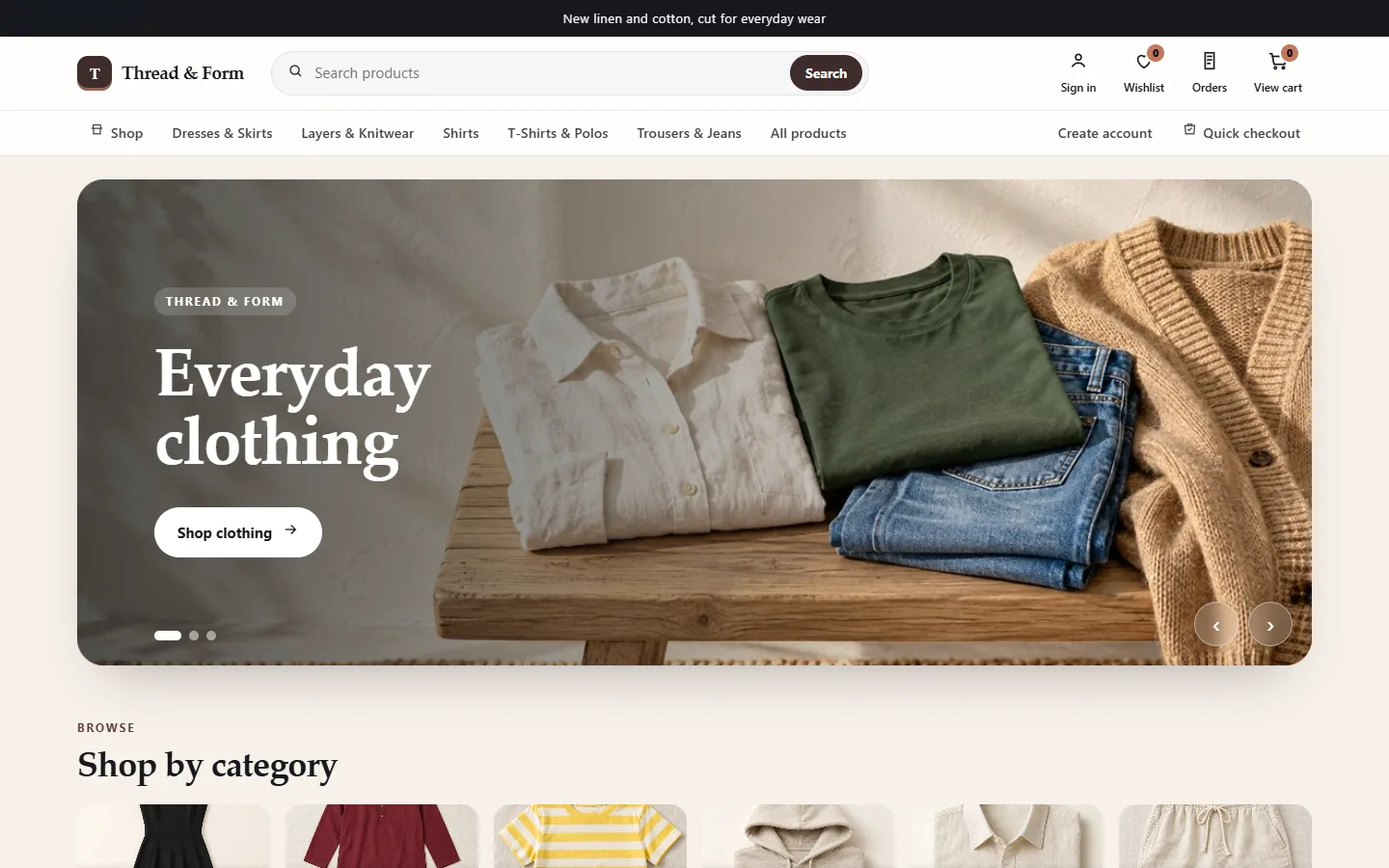
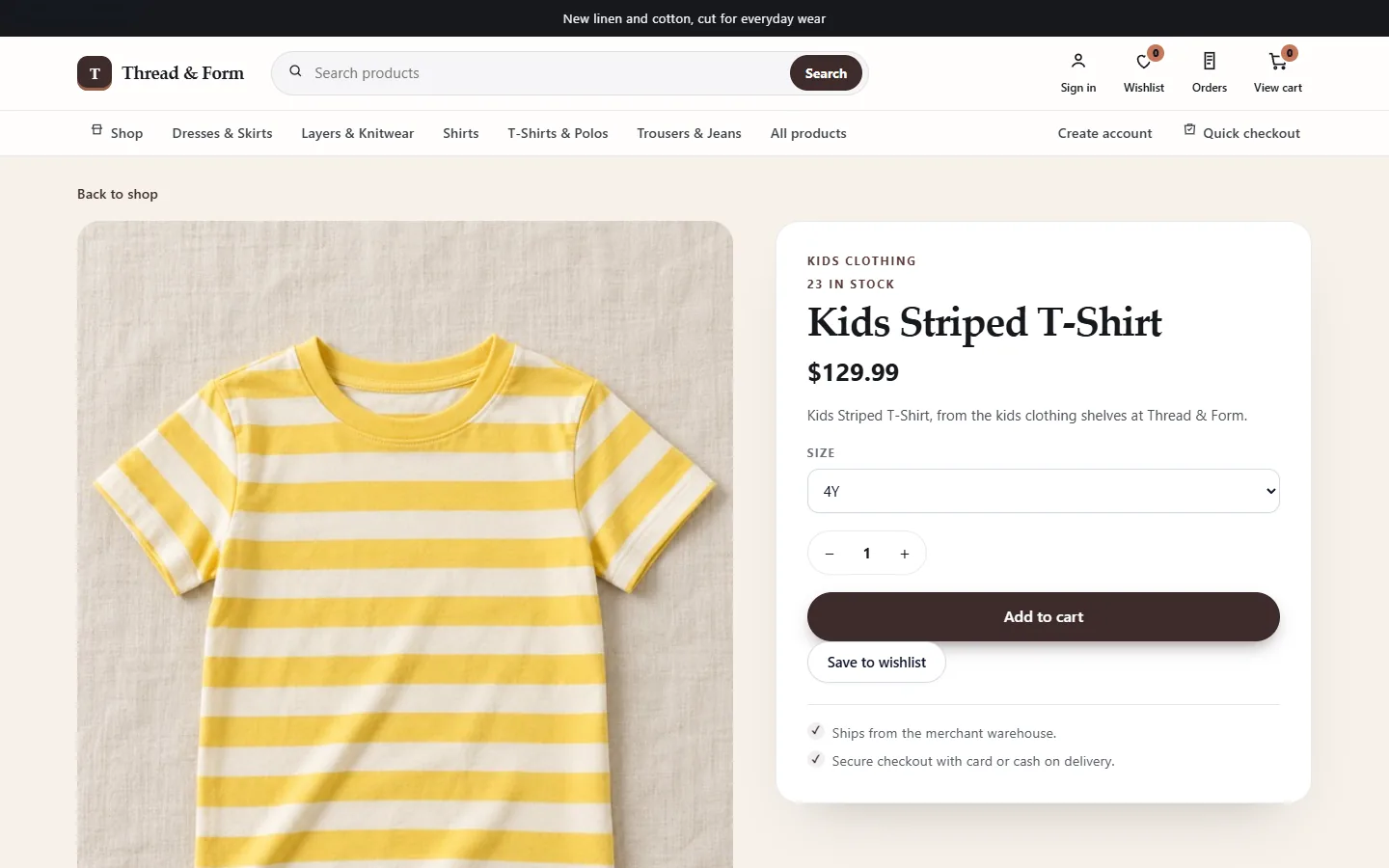
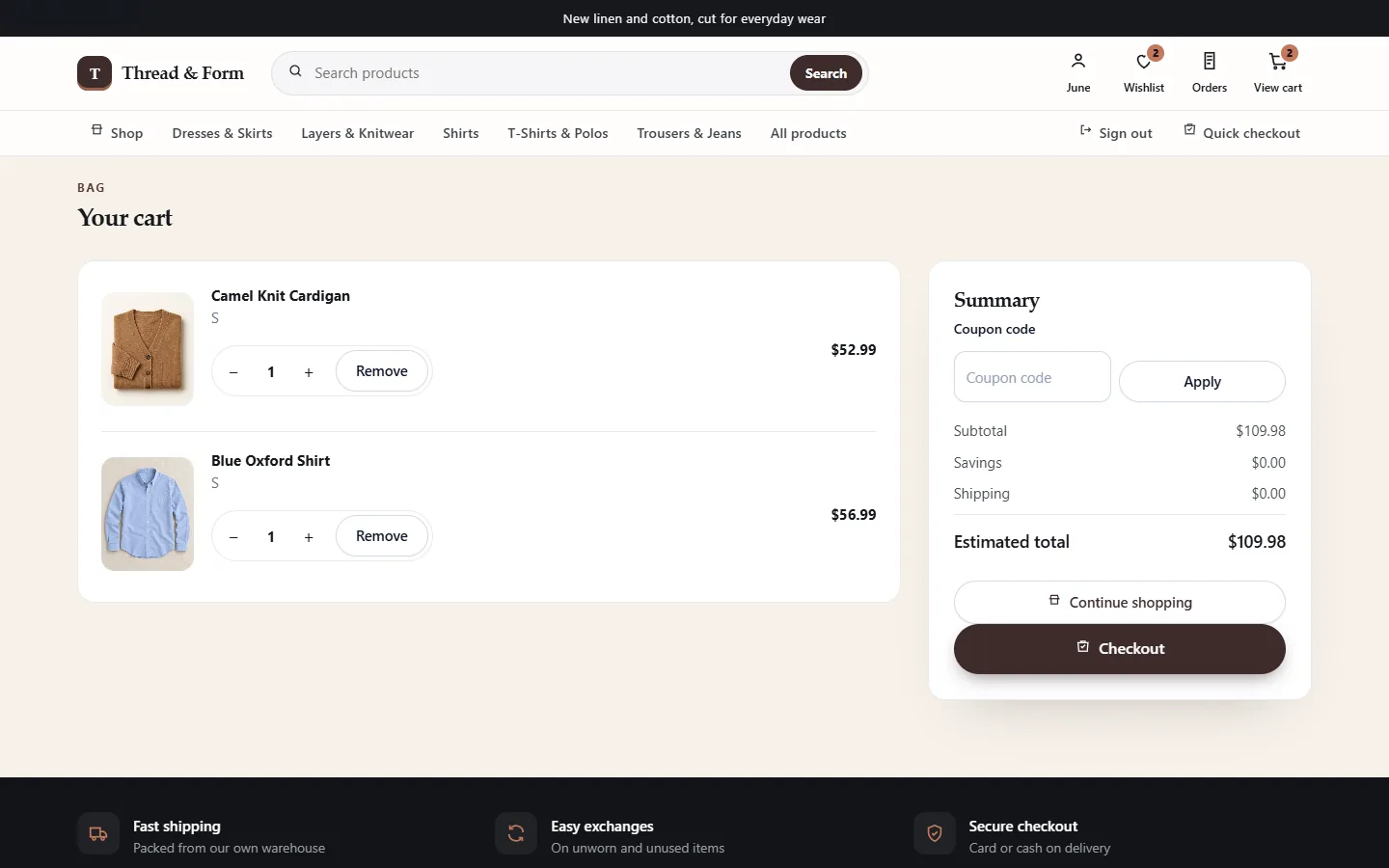
Categories in the demonstration split dresses, layers and knitwear, shirts, T-shirts and polos, and trousers and jeans. A product page asks for a size, shows how many of that size are in stock, and offers save to wishlist. The bag page includes a coupon field. The footer of this demo mentions exchanges for unworn items. That line is sample copy on the demonstration, not a promise from KodeBuilder. The clothing site also works in a phone browser.
How you merchandize the collection
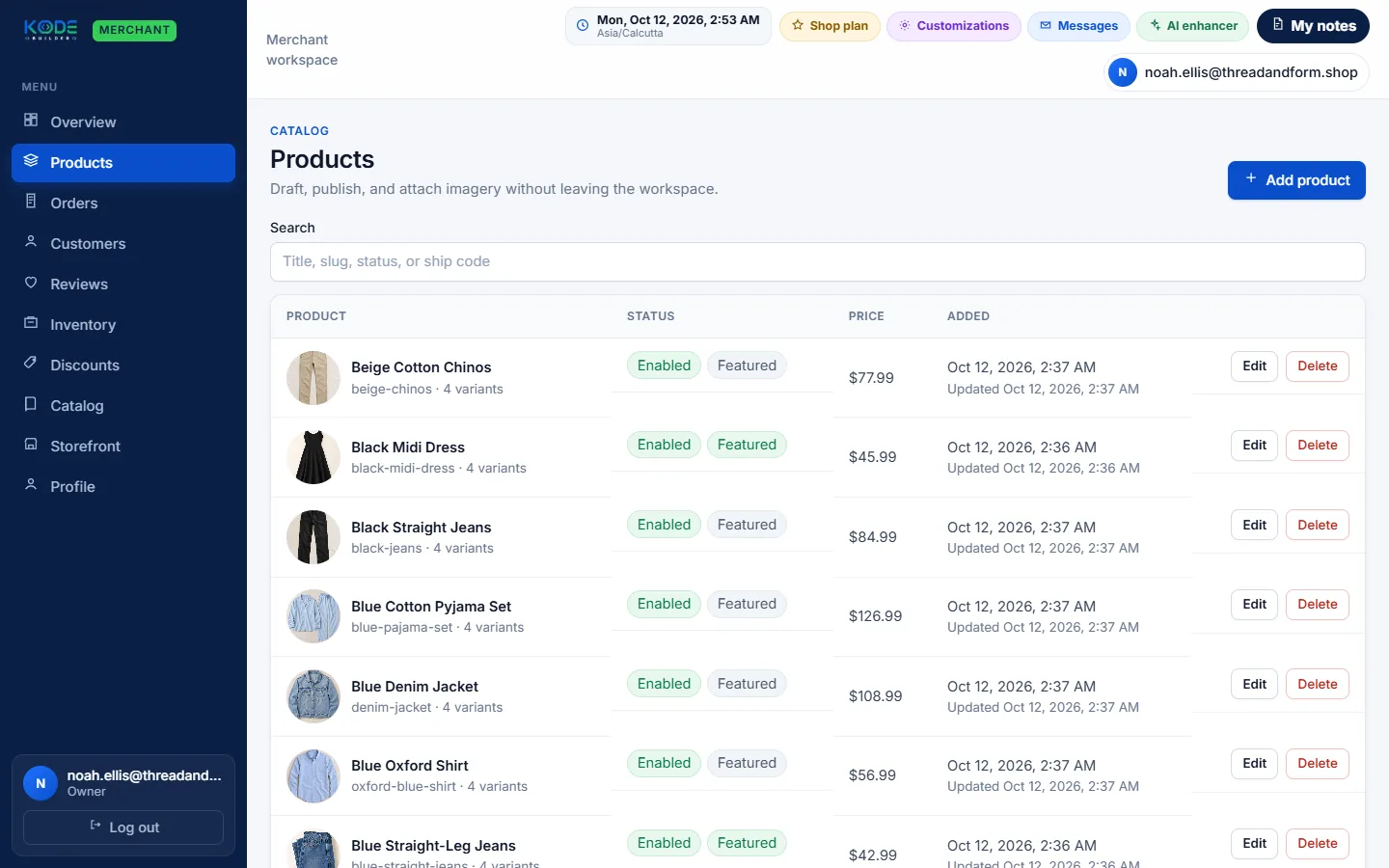
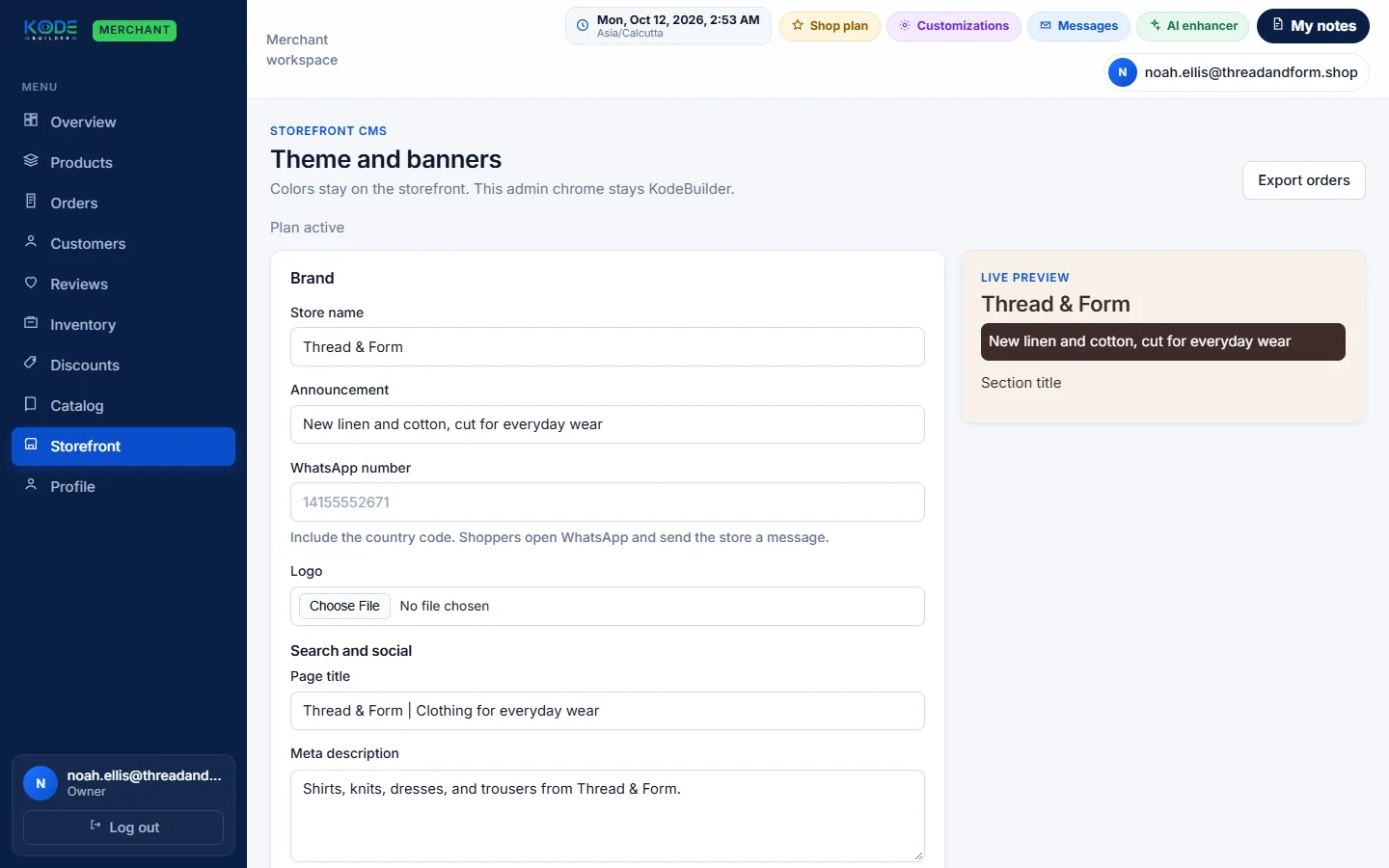
The product list shows each garment with its picture, several variants, and an enabled status. The storefront editor in this demonstration sets the brand, the announcement used as the seasonal line, a logo, the page title and the meta description. Changing that announcement is how a new collection is introduced on the same shop.
Run the label, or commission the build
Keep the size chart and banners on KodeBuilder Commerce once access is approved. Plans start from ₹1,500 per month in India and £11.99 in the United Kingdom for up to 50 products with a payment gateway; see prices for every country. A checkout, warehouse or wholesale rule that the store builder does not cover is scoped on custom ecommerce development.
Run the clothing shop yourself
Publish sizes, swap the seasonal line and answer from the merchant workspace.
Commission a custom clothing store
KodeBuilder writes the parts the platform does not already include.
Frequently asked questions
Yes in the clothing demo. A product uses a size selector, such as 4Y, and each size can be its own variant.
The clothing demo includes a wishlist and a save-to-wishlist control on the product page.
The clothing demo's storefront editor changes the announcement, brand name, logo, page title and meta description.
The clothing demo shows shoppers an exchanges note. That note is sample store copy, not a KodeBuilder returns promise.
Request access
Describe the clothing catalogue you want on KodeBuilder Commerce. Activation waits until the team has reviewed the request.