What KodeBuilder Logistics is
Many delivery businesses still book jobs in a notebook, hand out runs over the phone and chase payments from memory. KodeBuilder Logistics is delivery management software that keeps that work in one workspace: the office books shipments and builds driver runs, drivers work from their own app, and everyone sees what is overdue, failed, missing proof or unpaid.
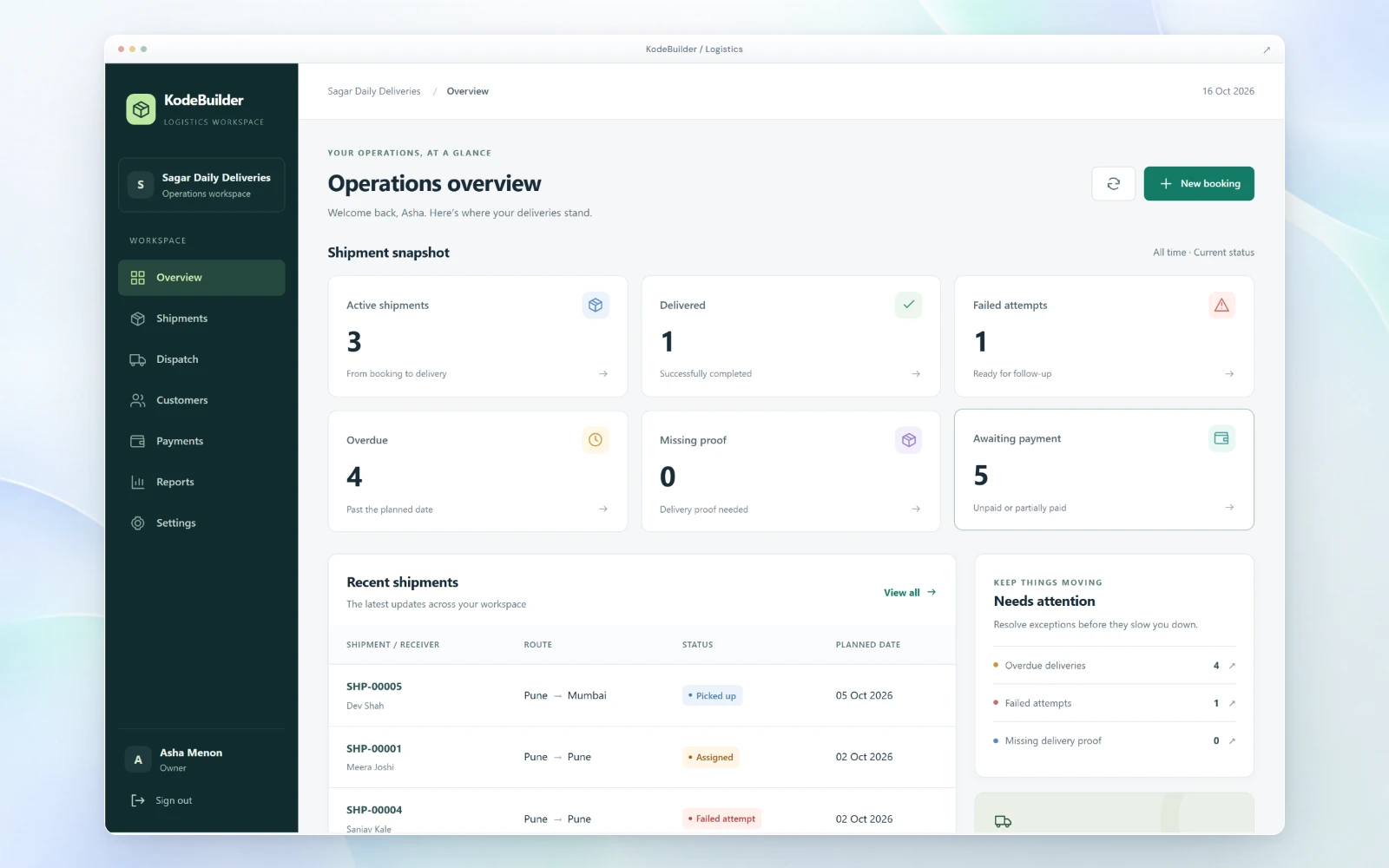
Operations overview: what needs attention
The overview counts active shipments, deliveries completed, failed attempts, overdue shipments past their planned date, deliveries missing proof and shipments awaiting payment. A "needs attention" list sends the team straight to overdue deliveries, failed attempts and missing delivery proof, and recent shipments show each route and status. New bookings start from the same screen.
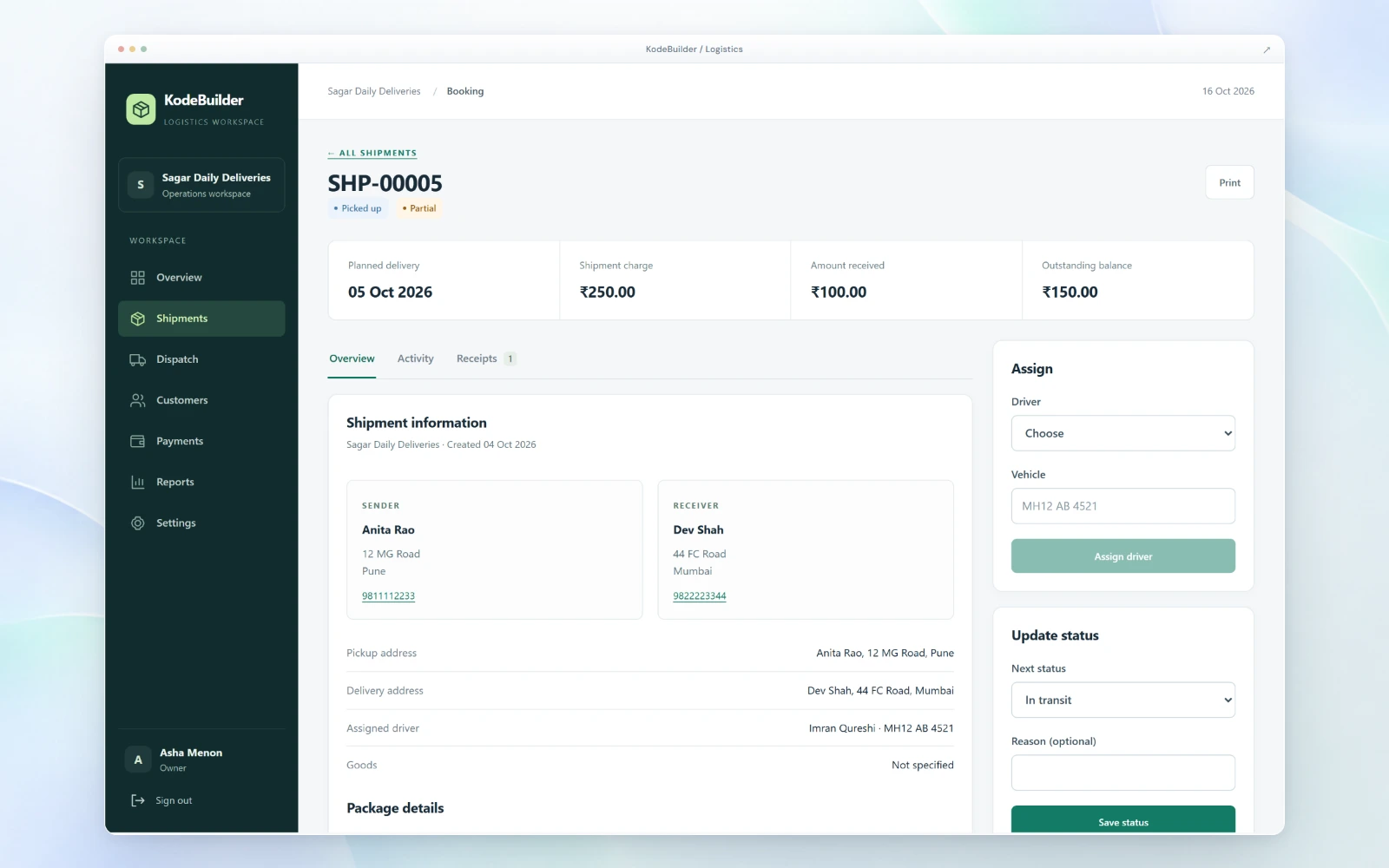
Shipments: sender, receiver, charges and status
Each shipment holds the sender and receiver with phone numbers, the pickup and delivery addresses, the goods and package details, the planned delivery date and the assigned driver and vehicle. The office assigns a driver, updates the status with an optional reason, and prints the shipment. An activity tab keeps the history.
Payments sit on the shipment too: the shipment charge, the amount received and the outstanding balance, with receipts. That makes it suitable for cash-on-delivery and part-paid work, and the overview shows how many shipments are still unpaid or partly paid.
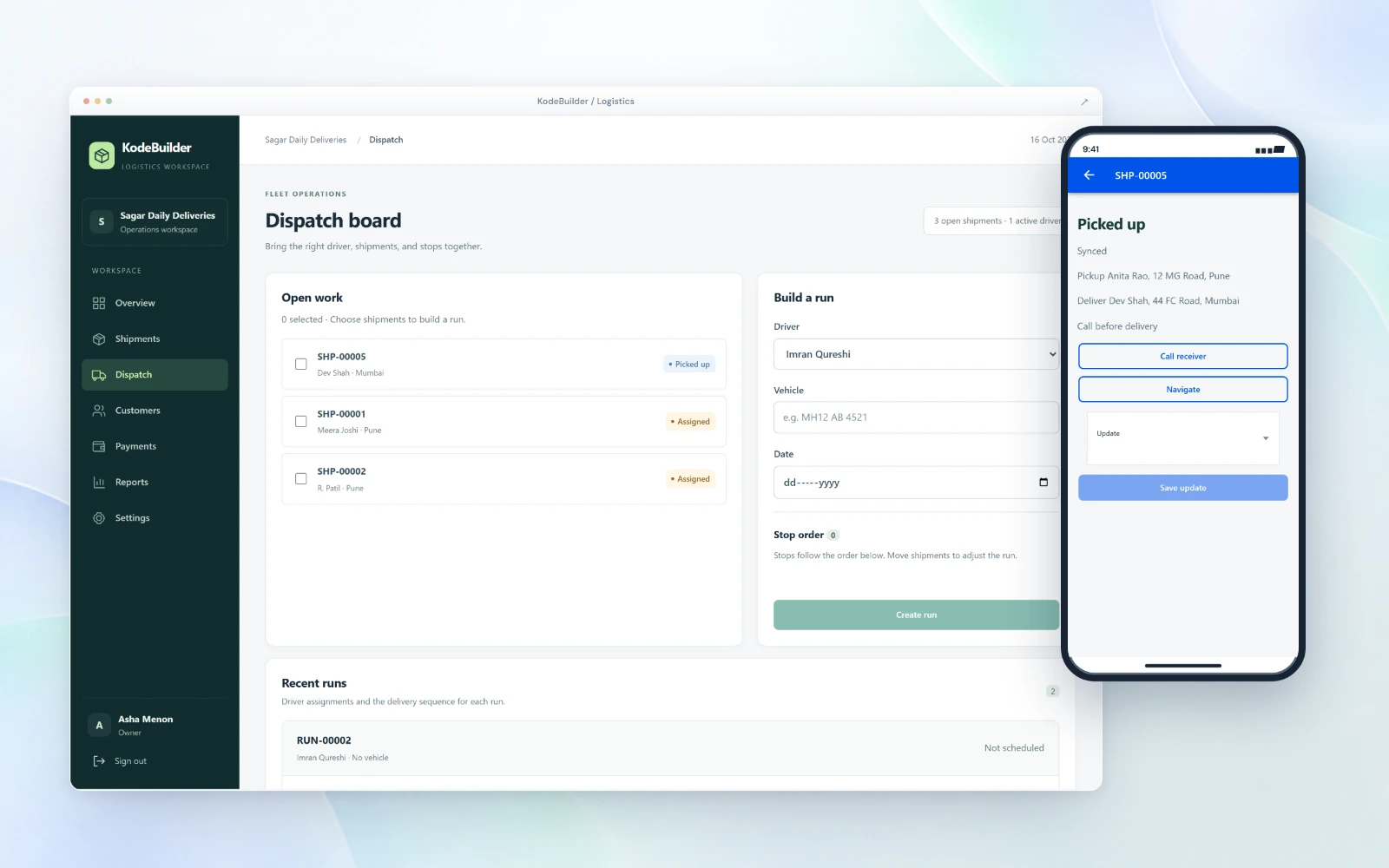
Dispatch board: build runs for each driver
The dispatch board lists open work. Dispatchers select shipments, choose a driver, add a vehicle and date, and set the stop order before creating the run. Recent runs show each driver's assignments and the delivery sequence, so the whole team can see who is carrying what.
Driver app for pickups and deliveries
Drivers use a separate driver app. For each shipment it shows the pickup and delivery address and any instructions, such as "call before delivery". Drivers can call the receiver, open navigation to the address and update the status on the road, and the update syncs back to the office.
Who it is for
- Courier and local delivery companies that book, dispatch and deliver parcels every day.
- Ecommerce sellers and shops that run their own deliveries instead of handing every order to a courier.
- Distributors and wholesalers that deliver to retailers on their own vehicles.
Trucking and freight companies can also use KodeBuilder Logistics where it fits their workflow. Restaurants that deliver their own food orders should look at KodeKitchen, and brands that take dealer orders at Dealer Portal. For delivery workflows built around your own rules, see pickup and delivery app development.
Pricing and access
KodeBuilder Logistics is quoted after a short demo, based on the number of drivers and shipments and the integrations you need. There is no self-serve signup: you request a demo, and the team reviews the details before your workspace is activated. It is offered in India, the United States, Canada, the United Kingdom and Australia.
Run your deliveries on KodeBuilder Logistics
You manage bookings, drivers, runs and payments after access is approved.
We build it for you
Custom booking rules, integrations or a fully custom delivery app is scoped as a project.
Frequently asked questions
KodeBuilder Logistics is last mile delivery management software. A delivery business books shipments, builds driver runs on a dispatch board, and drivers work from a separate driver app, while the office follows status, delivery proof and payments.
Courier and local delivery companies, ecommerce sellers and shops that run their own deliveries, and distributors delivering to customers. Trucking and freight companies can also use it where it fits their workflow.
Drivers see each shipment with the pickup and delivery address and any instructions. They can call the receiver, open navigation to the address and update the status from the app, and the update syncs to the office.
Yes. The operations overview flags deliveries that are missing delivery proof, so the team can follow them up.
Yes. Each shipment shows the charge, the amount received and the outstanding balance, with receipts, and the overview counts shipments awaiting payment.
Pricing is quoted after a short demo, based on the number of drivers and shipments and the integrations you need.
Request a demo
Tell us about your deliveries. We show you KodeBuilder Logistics and review the details before activation.